Testing in Dev Cycle
This is my perspective on testing and its impact on becoming a better developer versus merely writing more code about one's code.
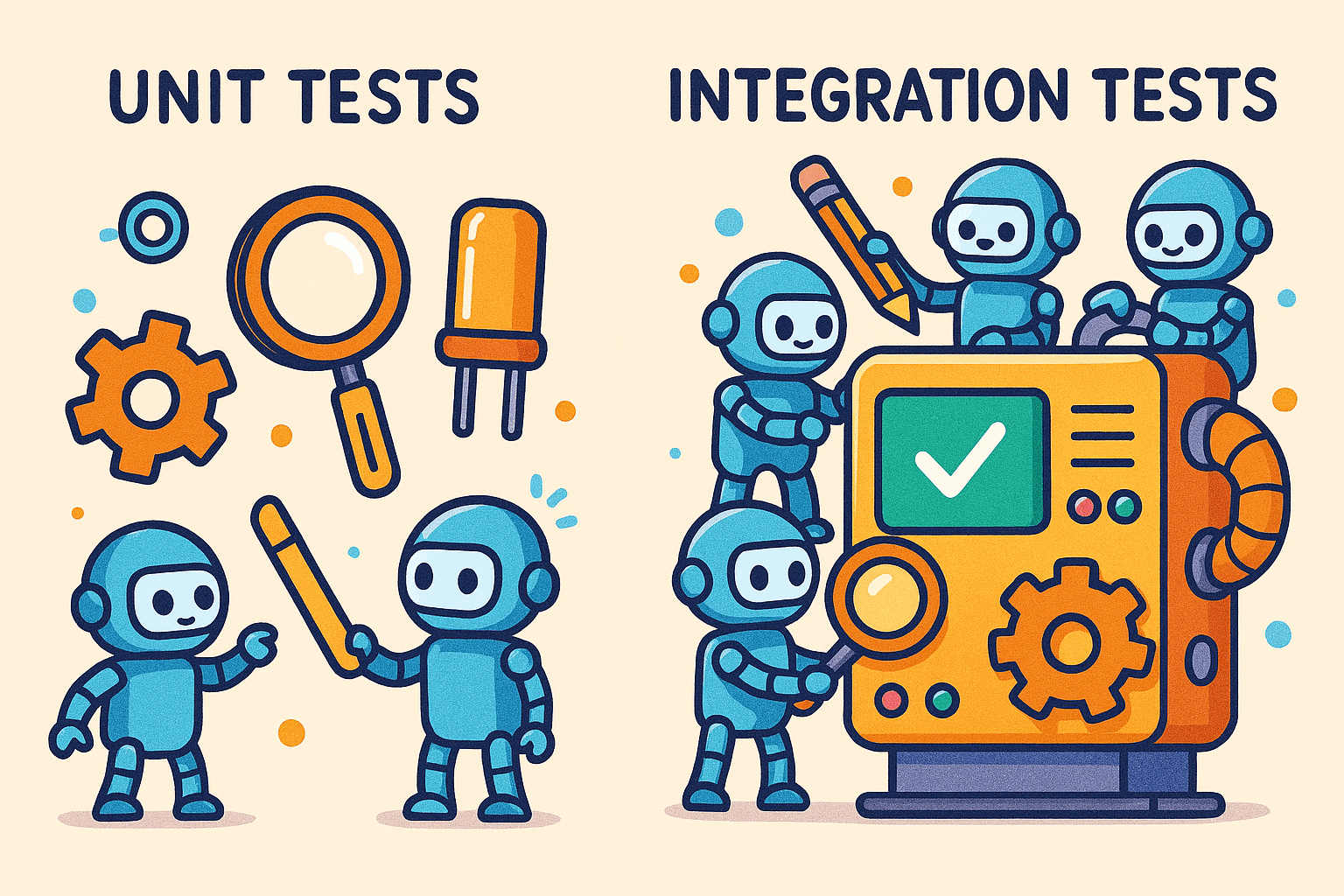
Tests. For developers, it’s either a favourite word or the one they dread, depending on the day.
Writing tests is a key part of software development, but it often gets skipped, especially now, when moving fast can seem more important than building safely. Some developers enjoy writing tests, some just put up with them, and others avoid them completely.
Where do I fall?
Honestly, it depends. When my tests pass, I’m happy. When they fail, I start to doubt my approach. But that challenge is important. Tests do more than check your code; they help you think more clearly about building reliable software.
Quick deployment is often the goal, but here’s the main point: code that’s easy to test usually means your structure is solid. If your code is hard to test, it probably needs some changes.
From .NET Comfort Zone to Next.js Curiosity
As a backend developer working primarily in the .NET ecosystem, writing tests is part of my daily workflow. At work, I regularly deal with:
- Unit tests
- Integration tests
- Architecture tests
- End-to-end tests using Playwright
So when I built my personal website with Next.js, something just felt off.
There were no tests.
At first, I ignored it. After all, it’s just a personal project, right? But I got curious. How do you bring the same testing discipline from a structured backend to a modern frontend framework? My first steps were simple. I listed the types of tests I usually write in .NET and considered their frontend counterparts. I let myself experiment, aiming for progress instead of perfection. I set up a basic test for one component to get used to the tools and the mindset. Rather than copying my old methods, I adapted my habits: starting small, keeping test structures clear, and learning the basics of one new testing library at a time. These steps made the transition easier and less overwhelming.
That question is what sparked this entire journey.
Recreating a “Real-World” Testing Setup
Even though this was just a side project, I didn’t want to treat it that way. I wanted to experiment, learn, and hold myself to the same standards I use in production.
So I set a simple, but slightly ambitious, goal:
Replicate a full testing strategy in a Next.js application.
That meant exploring:
- Unit testing for isolated logic
- Integration testing for how components and services interact
- End-to-end testing to simulate real user behaviour
- Potentially even architecture-level checks
Is it overkill for a personal website?
Maybe, but you don’t grow by only doing the bare minimum.
You grow by holding yourself to higher standards, even in small or personal projects. Sticking to good testing habits helps you go beyond the basics and is key to building solid software.
The Reality of Testing Outside Your Comfort Zone
Switching from .NET wasn’t just about using new tools. It also meant changing how I think.
In .NET, testing frameworks and patterns are structured and predictable. In the JavaScript and Next.js world, there are more choices, more flexibility, and sometimes more confusion.
Questions I had to figure out included:
- Which testing libraries fit best with Next.js?
- How do I structure tests in a frontend-heavy project?
- What’s worth testing and what isn’t?
- How do I avoid overengineering?
This article is essentially a reflection of that journey, what I explored, what I chose, what worked, and what didn’t.
Choosing the Right Testing Tools for Next.js
One of the biggest changes I noticed when moving from .NET to JavaScript was the huge number of testing tools. .NET has a few standard options, but Next.js offers many more, each with its own pros and cons. Instead of trying everything randomly, I focused on tools that could help me replicate a “real-world” testing strategy.
Jest is a well-established testing tool in the JavaScript ecosystem, known for its reliability and familiarity with React developers. It focuses on simplicity and stability, and is preferred by teams who value a standardised experience.
Why it’s popular:
- Zero (or minimal) configuration
- Built-in mocking, assertions, and snapshots
- Huge community and documentation
Where it shines:
- Mature ecosystem
- Works well with most React/Next.js setups
- Great for teams that want stability
Downside:
- Can feel slower, especially in larger projects
- Slightly heavier compared to newer alternatives
Vitest
Vitest is built on Vite and focuses on speed. It fits well with modern JavaScript workflows. Unlike Jest, Vitest aims to give instant results and quick feedback for developers who want efficiency.
Why it stood out to me:
- Extremely fast (thanks to Vite)
- Native ESM support
- API is very similar to Jest (easy migration)
Where it shines:
- Developer experience (fast feedback loop)
- Modern Next.js/Vite-based setups
- Simpler, lighter configuration
- Some edge cases are still being matured.
The main difference is that Vitest, while fast and modern, has a smaller ecosystem than Jest. This means resources and integrations are still growing. If you use the latest Next.js (App Router), Vitest covers most common testing needs, but you might run into issues with things like dynamic routing or server components. The documentation and community support are improving, but you sometimes need to work around Next. js-specific features. Jest has been more widely used in the Next.js community, so it’s usually easier to find solutions and avoid compatibility issues. Whatever you choose, check library compatibility and recent guides to avoid issues.
My Take (Unit Testing)
If you want stability, go with Jest. If you want speed and modern tooling, Vitest is hard to ignore.
For my project, I leaned towards Vitest because I value fast feedback while developing, but you honestly can’t go wrong with either.
Component & Integration Testing: React Testing Library
React Testing Library
Coming from a backend-heavy testing background, this required a new way of thinking. In the documentation details, React Testing Library focuses on how users interact with your UI.
Core philosophy:
“The more your tests resemble the way your software is used, the more confidence they can give you.”
What I liked:
- Encourages better testing practices
- Works seamlessly with both Jest and Vitest
- Makes tests more readable and meaningful
Example of what you test:
- Does the button render?
- What happens when a user clicks it?
- Does the UI update correctly?
What you avoid:
- Testing internal state or implementation details
End-to-End Testing: Playwright
Playwright
This one felt familiar because I already use it at work.
Playwright lets you test your application the way a real user would, in a browser.
What makes it powerful:
- Cross-browser testing (Chromium, Firefox, WebKit)
- Handles async UI behaviour really well
- Built-in screenshots, videos, and debugging tools
Use cases:
- Full user flows (login, navigation, form submission)
- Catching issues that unit tests won’t
- Regression testing
Downside:
- Slower than unit tests
- More setup and maintenance
Do You Need All of This?
Here’s where I had to be honest with myself.
Yes, I wanted to replicate:
- Unit tests
- Integration tests
- End-to-end tests
But the real question is:
Do you need all of them for a small project?
Probably not.
But if you want to learn and grow, it’s definitely worth trying.
My Final Stack (For Now)
After experimenting, this is what made the most sense for me:
- Vitest → Unit tests (fast, modern)
- React Testing Library → Component & integration tests.
- Playwright → End-to-end testing
This combination gives me:
- Fast feedback during development
- Confidence in UI behaviour
- Assurance that real user flows work
Key Takeaway
There’s no “one-size-fits-all” testing stack in Next.js.
The best choice depends on:
- Your project size
- Your goals (learning vs production)
- Your tolerance for complexity
But if you take one thing from this:
Start small, keep at it, and let your testing approach grow as your project does. Good testing habits build confidence, improve structure, and make your code safer.
Why Testing Still Matters (Even for Small Projects)
It’s easy to justify skipping tests on smaller or personal projects. There’s no team, no deadlines, no production pressure.
But here’s what I’ve learned:
- Tests force clarity in your logic.
- Tests make refactoring safer.
- Tests reduce silent bugs.
- Tests build discipline
And maybe most importantly:
Tests give you confidence not just that your code works now, but that it will keep working as your project grows and changes. This lasting confidence is the real value of testing.
Conclusion
At the end of the day, my relationship with tests is still complicated. It’s not toxic, but we definitely have our moments.
Some days, I enjoy writing them. I feel responsible. Disciplined. Like the kind of developer who has their life together. Other days, they feel like that one friend who keeps asking, “Are you sure about that?” every five minutes.
But working through testing in a Next.js project reminded me of something important:
Tests aren’t just there to catch bugs; they quietly force you to think better.
They make you slow down (annoying), question your decisions (also annoying), and structure your code in a way that actually makes sense (fine… helpful).
Even if this setup ends up being overkill for a personal project, the lessons aren’t. Because the goal isn’t just to build things that work, it’s to build things that keep working, and to become the kind of developer who doesn’t panic when they don’t.
And if that means writing a few extra tests along the way, Well, I guess I could be doing worse things. Like debugging in production.
If you’re curious, you can check out my GitHub project Take a look at the test folder to see how I approached things, and yes, I even updated my CI/CD pipeline to run tests as part of deployment. Growth.