JSON Web Token vs Cookie — Choosing the Right Authentication Strategy
A comprehensive comparison of JWT and cookie-based authentication, exploring how each works, their security implications, and when to use each approach in modern web applications.
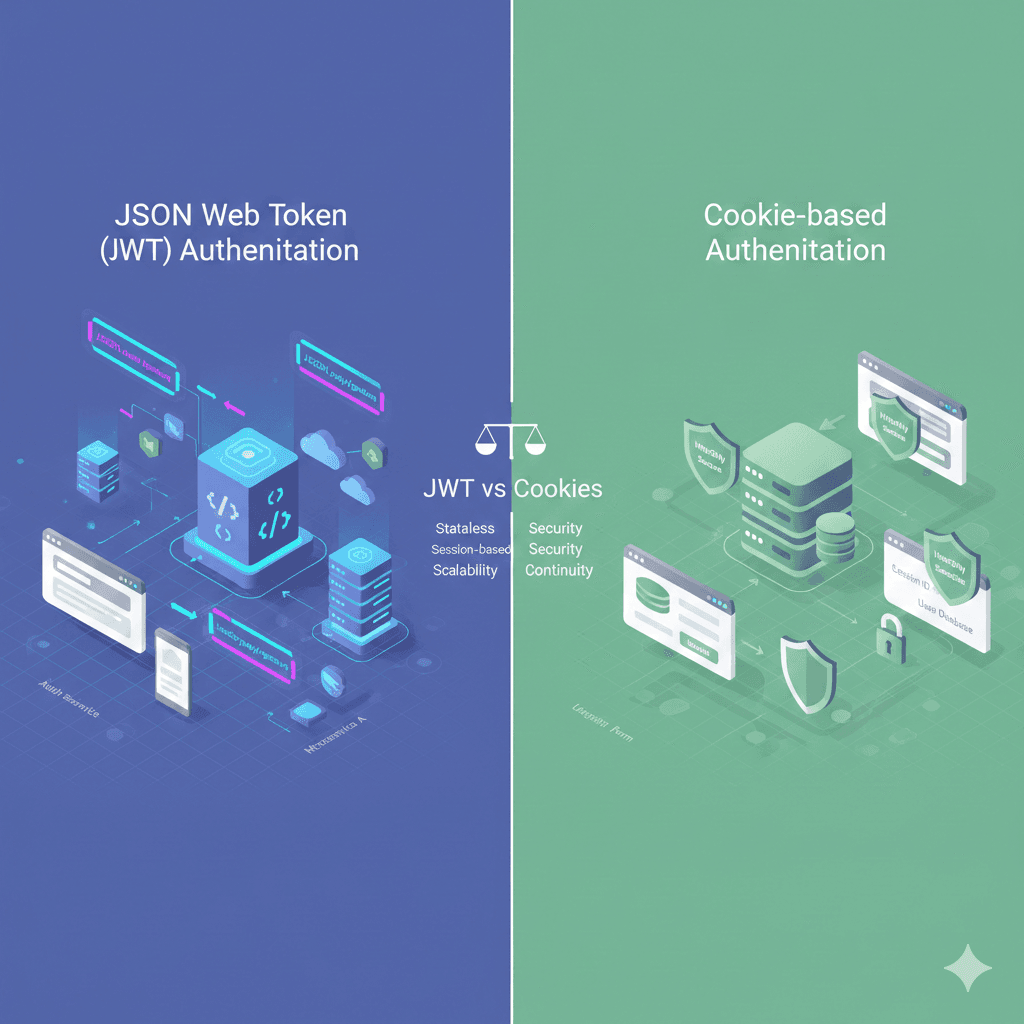
When I was tasked with developing a web application, one of the key features required was authentication and authorisation. Authentication ensures that only certain users can access the application, while authorisation controls what those users are allowed to do within it.
During my research, I came across JWT (JSON Web Token) a widely adopted solution for stateless authentication. Let's explore what JWT is, how it works, and how it compares to traditional cookie-based authentication.
🔐 What is a JSON Web Token (JWT)?
A JWT is an open standard (RFC 7519) that defines a compact and self-contained way to securely transmit information as a JSON object between two parties — typically between a frontend client and a backend server.
✅ Key Characteristics
Self-contained and stateless:
- All necessary authentication and authorisation data is embedded within the token itself.
- No need for the server to maintain session state or perform database lookups for each request.
- Ideal for scalable, distributed systems (e.g., microservices, multi-domain applications).
🧩 JWT Structure
A JWT consists of three parts, separated by dots (.):
- Header: Specifies the token type and signing algorithm (e.g., HS256).
- Payload: Contains "claims" — the actual data, such as user ID (
sub), issuer (iss), and expiration time (exp). This part is Base64-encoded, not encrypted. - Signature: A cryptographic hash (HMAC or RSA) that ensures the token hasn't been tampered with.
🔁 How JWTs Work
- User logs in successfully.
- The server generates an access token (JWT) containing user information and an expiration, signed with a secret key.
- The token is returned to the client (browser, mobile app, etc.).
- The client stores the token and includes it in the
Authorizationheader of every subsequent request. - The server verifies the token's signature and reads the payload — no database lookup required.
Use Cases
- Authentication (via ID tokens in OpenID Connect)
- Authorisation (API access)
- Single Sign-On (SSO)
- Secure information exchange
✅ Best Practices for Securing JWTs
🛡️ 1. Use Strong Signing & Verification
- Always verify the signature to ensure the token hasn't been tampered with. Don't accept unsigned tokens (
alg: none). - Use strong secrets or asymmetric keys (e.g., RS256, ES256). Make secrets long and random.
- Rotate keys periodically so a compromised key doesn't enable long-term misuse.
- Validate other standard claims like
iss(issuer) andaud(audience).
⏱️ 2. Set Appropriate Expiration Times
- Use short lifetimes for access tokens (e.g., 5–15 minutes). This limits exposure if a token is stolen.
- Include the standard
expclaim and reject expired tokens on every request. Allow small clock skew tolerance.
🔐 3. Secure Storage & Transmission
- Always use HTTPS so tokens aren't exposed in transit.
- Store access tokens in memory or secure client storage rather than localStorage to reduce XSS risks.
- Store refresh tokens in HTTP-only cookies when feasible so JavaScript can't access them.
🔄 4. Refresh Token Rotation & Revocation
- Refresh tokens should be securely stored and revocable.
- Rotate refresh tokens: issue a new one each time it's used and invalidate the old one to prevent replay attacks.
- Track refresh tokens server-side so you can revoke them on logout or suspicious activity.
📦 5. Keep Payloads Minimal
- Never include sensitive data like passwords or extensive personal info in the token.
- Include only what you need (e.g., user ID, roles). This lowers the risk of a token leaking.
🔁 6. Implement Revocation Logic
- Stateless JWTs can't be revoked by default; consider token blocklists or user-level timestamp checks (
iatvs last invalidation time) for emergency revocation. - Log and monitor token issuance and refresh events without storing token contents.
🕒 Handling Token Expiration & Refresh
JWT systems usually use two token types:
📎 Access Tokens
- Short-lived (minutes).
- Sent with every API request (e.g., in
Authorizationheader). - If expired, API should reject with 401 Unauthorised.
🔑 Refresh Tokens
- Longer lived (days–weeks).
- Used only to obtain new access tokens from a dedicated
/refreshendpoint. - Should be stored securely and rotated.
🛠️ Typical Refresh Flow
- Client gets both access token and refresh token at login.
- When access expires, client calls
/auth/refreshwith the refresh token. - Server validates refresh token (plus rotation and revocation rules).
- Server issues a new access token — and often a new refresh token (rotated).
- Client uses the new access token for regular API calls.
Important: You don't update the old access token expiration — you generate a new token instead.
🧠 When to Use Each Strategy
| Scenario | Best Choice | Why |
|---|---|---|
| High-security apps (financial, healthcare) | Very short access tokens & refresh tokens with rotation and revocation | Minimises abuse window and allows strict control |
| User convenience / long sessions | Moderate access expiry + refresh tokens | Reduces login friction while limiting risk |
| Stateless microservices | Short access tokens, no revocation store | Scales well; rely on expiry rather than revocation lists |
| Mobile / native apps | Refresh tokens with secure storage on device | Supports long sessions without frequent logins |
⚖️ Trade-offs
- Access tokens only: Simpler, but longer lifetimes increase attack risk.
- Refresh + access tokens: More secure and better UX, but requires managing refresh token storage and revocation mechanics.
- Refresh token rotation: Stronger against replay attacks, but needs server-side state.
- Stateless JWT only: Good for scaling but sacrifices revocation control.
🍪 What is a Cookie?
A cookie (also known as an HTTP cookie or browser cookie) is a small piece of data stored on the client-side. It's typically used to maintain stateful sessions, especially in traditional web applications.
📥 How Cookies Work
- After a user logs in, the server generates a random session ID, stores it in a database, and sends it back to the browser as a cookie.
- The browser stores this cookie and automatically includes it in all subsequent requests via the
Cookieheader. - The server retrieves the session data using the session ID on each request.
✅ Benefits of Cookie-Based Authentication
- Automatic browser handling: The browser stores and sends cookies with each request.
- Immediate logout: Sessions can be invalidated on the server by deleting the session ID.
- Private session data: User info remains securely on the server and is not exposed to the client.
⚠️ Limitations
- Stateful: Requires maintaining a session database.
- Scalability: Can be harder to scale across distributed systems unless a shared session store (like Redis) is used.
- Security Risks:
- CSRF (Cross-Site Request Forgery): Since cookies are automatically sent, they're vulnerable to CSRF.
- XSS (Cross-Site Scripting): Mitigated with flags like
HttpOnly,Secure, andSameSite.
⚔️ JWT vs Cookie: What's the Difference?
| Feature | JWT | Cookie-based Sessions |
|---|---|---|
| State Management | Stateless (self-contained) | Stateful (session stored server-side) |
| Storage | Stored in localStorage/sessionStorage or a cookie | Stored in browser cookie jar |
| Scalability | Easily scalable across servers | Requires a shared session DB |
| Database Lookup | Not required | Required for every request |
| CSRF Risk | No (unless stored in cookie) | Yes (mitigated with SameSite/CSRF token) |
| Token Size | Can be large | Usually small (just session ID) |
| Use Case Fit | APIs, mobile apps, SPAs, SSO | Traditional server-rendered apps |
💡 Final Thoughts
Comparing JWT vs Cookie is a bit like comparing apples and oranges — one is a token format, and the other is a storage/delivery mechanism. In fact, you can store a JWT in a cookie and get the best of both worlds — but that decision depends heavily on your app's architecture and security requirements.
Use JWTs when:
- Building modern SPAs or mobile apps
- Working with distributed systems
- You want stateless, scalable authentication
Use cookies (sessions) when:
- Building traditional server-rendered apps
- You want more server control over sessions
- You need precise logout and revocation
Both approaches have strengths — your use case should guide your choice.
References
- JWT Security Best Practices for 2025. (2025, January 10). Retrieved from jwt.app: https://jwt.app/blog/jwt-best-practices/
- Loyd, S. (2025, September 29). 9 JWT Security Best Practices for APIs. Retrieved from Antler Digital: https://antler.digital/blog/9-jwt-security-best-practices-for-apis
- Molaire, G. (2025, November 17). JWT Token Lifecycle Management: Expiration, Refresh, and Revocation Strategies. Retrieved from Sky Cloak: https://skycloak.io/blog/jwt-token-lifecycle-management-expiration-refresh-revocation-strategies/
- Paktiti, M. (2025, April 23). Why your app needs refresh tokens—and how they work. Retrieved from Work OS: https://workos.com/blog/why-your-app-needs-refresh-tokens-and-how-they-work